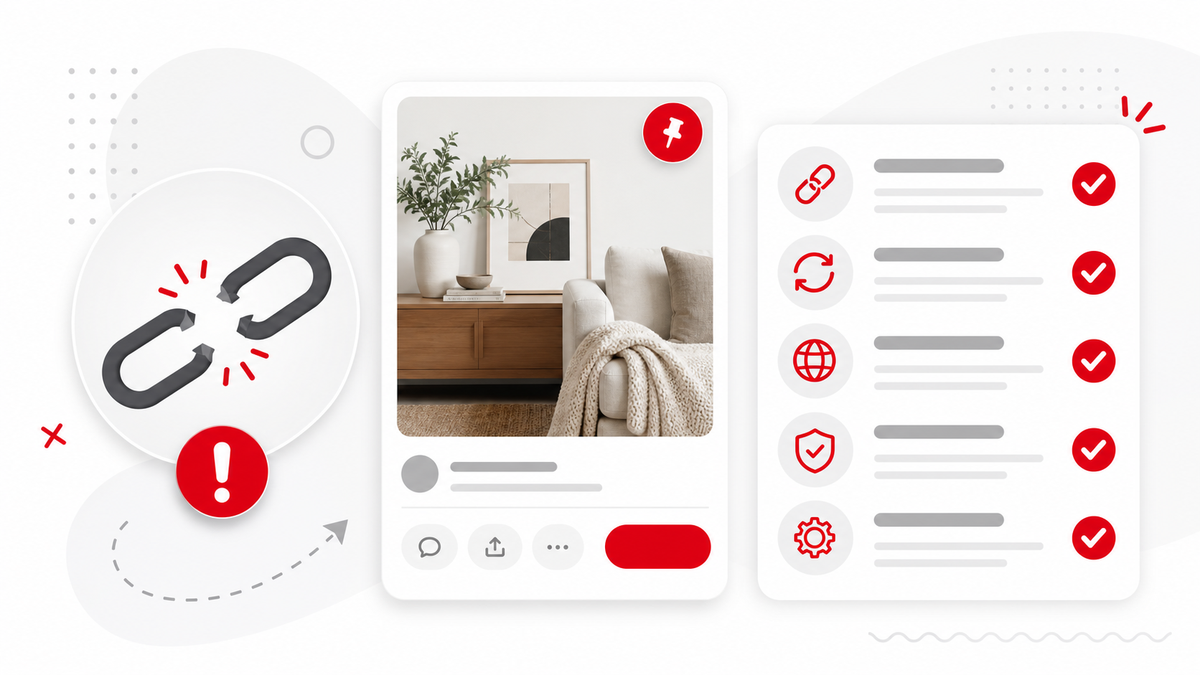
A Pinterest download can fail for several simple reasons: the link is not a direct Pin, the Pin is private, the media is not video, or Pinterest is temporarily limiting access. Start by reopening the URL in a browser, then try Pinterest Video Downloader again with the exact public Pin link.
1. Make Sure It Is a Direct Pin Link
PintVideo supports direct Pin URLs and pin.it short links that resolve to Pins. Board pages, profile pages, search results, home feeds, and category pages are not downloadable media links.
2. Check Whether the Pin Is Public
Open the link in a private browser window. If Pinterest asks for login, shows a restriction, or cannot load the Pin, the downloader may not be able to access the media.
3. Confirm the Pin Contains Video
Some Pins are static images or GIF-style posts without exposed video media. For format context, read the GIF guide, image guide, Idea Pin guide, and MP4 guide.
4. Copy the Link Again
Mobile apps sometimes copy tracking links or feed URLs. Open the Pin, copy the share link again, and paste it into PintVideo. If you still have trouble, try another browser or wait a few minutes and retry.
FAQ
Why does a pin.it link fail?
The short link may not resolve to a public video Pin, or Pinterest may block access temporarily.
Can PintVideo download board links?
No. Copy the exact Pin URL instead of a board or profile URL.
Why does the preview show an image but no video?
The Pin may be image-only, or Pinterest may expose only thumbnail data for that URL.